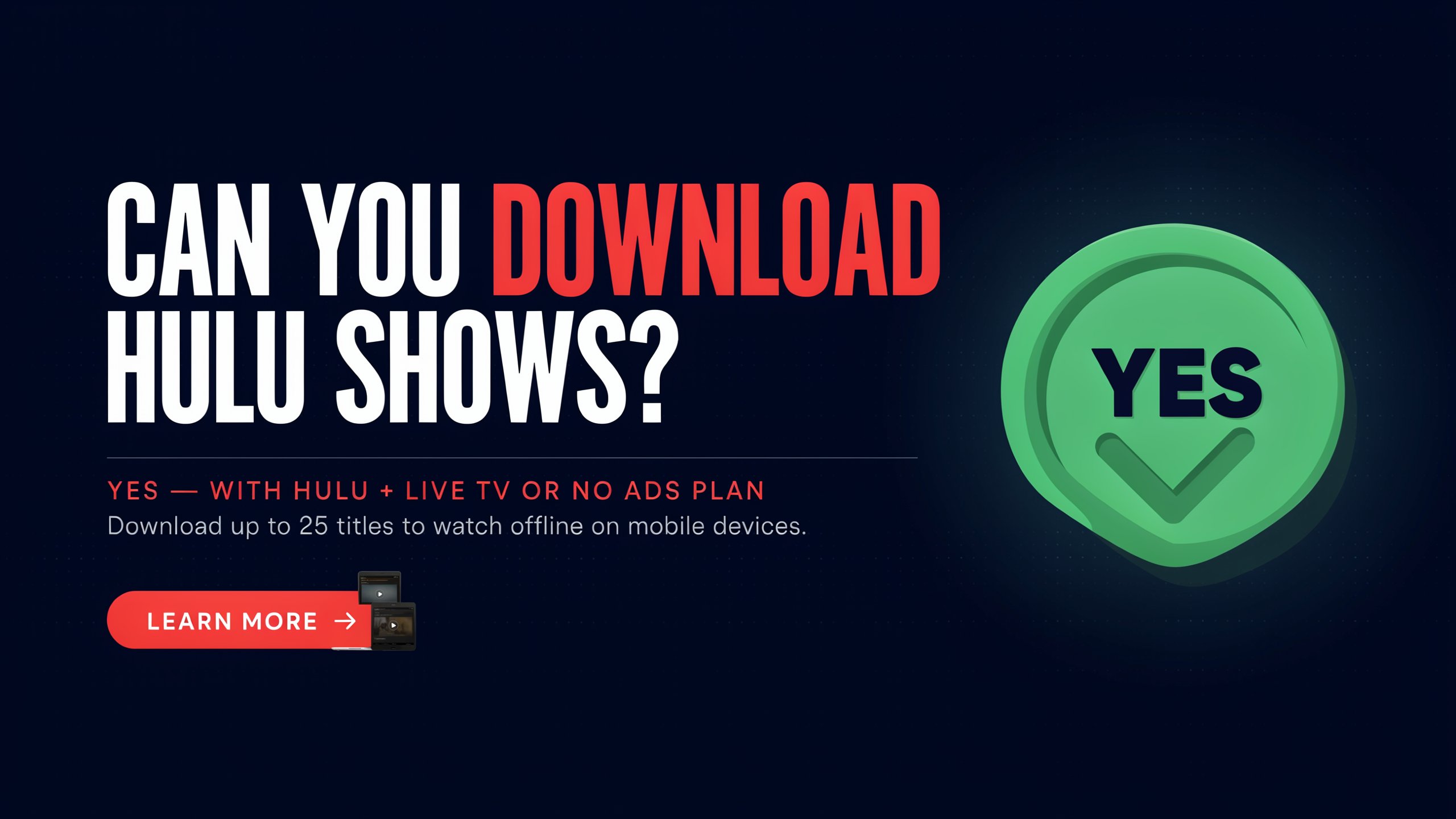
Quick Facts
| Feature | Details |
| Download Feature Available? | Yes — on select plans only |
| Required Plan | Hulu (No Ads) or Hulu (No Ads) + Live TV |
| Supported Devices | iPhone, iPad, Android phones/tablets, Amazon Fire tablets |
| Max Downloads | 25 movies or episodes per account |
| Max Devices | 5 devices simultaneously |
| Expiry (Unwatched) | 30 days from download date |
| Expiry (After Watching Starts) | 48 hours to finish |
| Geographic Restriction | United States only |
| Desktop Downloads | Not available |
| 4K / HDR Downloads | Not supported; capped at 1080p |
Introduction: The Big Question Answered
You are at the airport. Your flight is three hours long. You want to catch up on your favorite show, but you already know the airplane Wi-Fi is going to be unreliable at best and completely useless at worst. You pull out your phone, open the Hulu app, and wonder — did you actually save that episode before leaving home?
This is the situation millions of Hulu subscribers find themselves in. And the good news is that yes, Hulu absolutely does let you download shows and movies for offline viewing. However, there are some significant requirements associated with that yes, and this is a true but.
Not every plan gets this feature. Not every device can use it. Not every show is available for download. And the downloads do not last forever.
All of stuff is explained in straightforward terms in this handbook. By the time you finish reading, you will know exactly whether your account qualifies, which devices work, how to actually do the downloading, and what happens when things go sideways.
See also “FindPeopleFast: How to Find Public Information Online“
Which Hulu Plan Lets You Download?
This is the first gate you have to pass through, and it is a firm one. Hulu’s download feature is tied exclusively to its ad-free subscription tier.
If you are on the Hulu (No Ads) plan, you have access. If you are on Hulu (No Ads) + Live TV, you also have access. If your Disney Bundle includes the Hulu No Ads version — same deal, you are good to go.
But if you are on the basic Hulu (With Ads) plan, the standard cheaper option that most people start with, downloads are simply not part of the package. The download button will not appear. There is no workaround inside the official app.
This is worth knowing before you spend time searching for a download button that does not exist on your account. Hulu designed offline downloads as a premium feature for subscribers paying the higher no-ad rate. The reasoning makes sense from a business perspective — ad-supported plans depend on showing you commercials, and downloaded content would bypass that entirely.
If you are currently on the ad-supported plan and want downloads, upgrading to the No Ads tier is the path forward. The Disney Bundle Duo and Trio options sometimes offer the No Ads version of Hulu as part of the package, which can make the upgrade more economical when you factor in Disney+ access too.

What Devices Actually Support Downloads?
This is where many individuals are taken by surprise. Even with the right plan, downloads only work in certain places.
The official Hulu download feature lives exclusively in the Hulu mobile app. That means:
Devices That Work
- iPhone and iPad — running iOS 16.4 or newer
- Android phones and tablets — running Android 7.1 or higher, with a screen resolution of at least 800 by 480 pixels
- Amazon Fire tablets — but only specific generations:
- Fire 7: 9th generation or newer
- Fire HD 8: 8th generation or newer
- Fire HD 10: 9th generation or newer
- Fire Max 11: 13th generation or newer
Devices That Do NOT Work
This list might surprise you:
- Desktop computers — no downloads on Windows or Mac, not even through a browser or desktop app
- No smart TV manufacturer, including Samsung, LG, Sony, and Vizio, allows users to download Hulu.
- Streaming sticks and boxes — Roku, Amazon Fire Stick, Chromecast, Apple TV are all out
- Game consoles — PlayStation and Xbox cannot download Hulu content for offline use
So if you were hoping to load up your laptop before a long flight and watch from there, that option does not exist in Hulu’s ecosystem. Downloads are a mobile-only feature. Plan accordingly.
How to Actually Download a Show or Movie
Once you have confirmed your plan and your device are both eligible, the process itself is pretty simple.
On iPhone or iPad
Start by making sure you have the latest version of the Hulu app installed. Open it and sign in.
To find what is available for download, tap the Downloads icon in the bottom navigation bar. From there, select “See What’s Downloadable” to browse eligible titles. You can also search for a show normally — titles that can be downloaded will display a small download icon on their detail pages.
Navigate to a show’s page, go to the episode list, and tap the downward arrow icon next to the episode you want. The download will begin and a progress indicator will show you how far along it is.
Once the download finishes, your saved content lives in the Downloads tab at the bottom of the app. When you’re ready to watch offline, just head there.
A couple of settings worth knowing:
- To enable downloading over cellular data rather than only Wi-Fi, go to your profile icon, tap Settings, then Downloads, and toggle on Cellular Downloading.
- To choose between Standard and High video quality (Standard saves space; High looks better), go to the same Settings > Downloads > Video Quality menu.
On Android
The steps on Android are essentially identical. Update the Hulu app from the Google Play Store, log in, find a downloadable title, tap the download arrow, and access your saved content in the Downloads tab. The cellular data toggle is in the same place: Account > Settings > Downloads.
On Amazon Fire Tablet
Same in-app process applies here. Make sure your Fire tablet meets the generation requirements listed earlier and is running Fire OS 7 or newer. Most Fire tablets do not have cellular radios, so the Wi-Fi download path will be the standard one.
Download Limits: How Many Can You Save?
Hulu puts a cap on how much offline content you can have saved at once.
- 25 downloads total per account, across all devices
- Up to 5 devices can hold downloads simultaneously
That 25-slot limit is shared account-wide. If you download 10 episodes on your phone and 15 on your tablet, you have hit the ceiling. To add more, you need to delete something.
One thing Hulu does not offer is a bulk download option. You can’t choose an entire season and instruct Hulu to save it all at once. Each episode has to be downloaded individually. For a long binge session, that means a bit of extra tapping upfront, but it is a manageable process.

How Long Do Downloads Last?
This is one of the trickier aspects of Hulu’s offline system, and it catches people off guard more often than you would expect.
Downloads that have not been viewed expire 30 days from the date of download. Whether you have watched them or not, after a month they are gone.
Once you start watching, the clock speeds up dramatically. You have 48 hours from the moment playback begins to finish the episode or movie. That window does not pause. If you start an episode Tuesday night and forget to come back until Friday, it will be expired.
There is one saving grace: if a download is about to expire and you have not watched it, you can renew it. A notification or alert will appear in the app, and tapping “Renew Download” resets the 30-day clock — as long as the title is still part of Hulu’s library.
That last part matters. Even before the expiration date, content that has been deleted from Hulu’s collection within your download session will not be watchable. Hulu’s library is subject to changes, and content that has been downloaded may be removed.
What Can and Cannot Be Downloaded?
Having the right plan and device is only part of the equation. Individual titles also have to be eligible.
What You Can Download
Thousands of Hulu’s on-demand titles are available for offline saving. This includes:
- The Handmaid’s Tale, Only Murders in the Building, and other Hulu-produced original programming are typically eligible.
- Licensed TV shows — many popular network and cable series available in Hulu’s library carry download rights
- Movies — a wide selection of films in the on-demand catalog can be saved
The easiest way to tell if something is downloadable is to look for the download icon on the title’s detail page. If the icon is there, you can save it. If it is absent, you cannot.
You can also filter your searches: in the Hulu app, there is a “Downloadable” filter that lets you browse only titles eligible for offline viewing. This is handy when you want to line up content before a trip.
What You Cannot Download
Some categories are off the table entirely:
- Live TV — real-time broadcasts cannot be saved, even on Live TV plans
- DVR recordings — content recorded through Hulu’s DVR feature cannot be exported to offline storage
- Premium add-on channels — if you have added HBO, Showtime, or similar channels as extras to your Hulu subscription, that content is not eligible for Hulu’s download feature. Those providers have their own apps and offline policies.
- Licensed titles without download rights — some content on Hulu simply has not had offline rights negotiated into the licensing deal. Those titles will not show the download icon.
Rules and Restrictions Worth Knowing
A few more things that are easy to miss:
Downloads only work in the United States. Even if you downloaded everything at home before leaving, the content will not play if you are physically outside the U.S. There is a limited exception for U.S. military bases abroad. But for everyone else traveling internationally, offline Hulu downloads are not the solution.
Downloads are device-specific. A download on your phone cannot be moved to your tablet. Each device’s downloads are locked to that device.
Logging out erases your downloads. All downloads on a device are erased if you log out of the Hulu app, even for a brief period of time.
No SD card support. Hulu will not let you save downloads to an external memory card. They must live in the device’s internal storage.
Quality caps at 1080p on mobile. Hulu supports 4K and HDR streaming on compatible TVs, but downloaded content maxes out at 1080p on mobile devices.
Storage planning matters. Downloads can be sizable files. Having at least 5 to 10 gigabytes of free storage before you start is a reasonable starting point, though a long movie in high quality can push beyond that.
How to Make the Most of Hulu Downloads
Download Before You Travel
The single most important habit. Wi-Fi on planes is unreliable and often slow. Download everything you plan to watch at least a day before departure while you are on a solid home connection.
Use Wi-Fi When Possible
Video files are big, but you can download them to your phone. Unless you have a generous data plan, downloading a few episodes over cellular can eat through your allowance quickly. Wi-Fi is the smarter default.
Stay on Top of the 25-Slot Limit
Make a habit of deleting finished downloads right after watching. Every unwatched episode sitting in your library occupies one of your 25 slots. Clearing them out keeps room available for new content.
Renew Before They Expire
If you downloaded something for a trip and the 30-day window is coming up, renew it before you leave rather than discovering it has expired when you are already offline.
Browse the Downloadable Filter
Before trips or long offline stretches, use Hulu’s “Downloadable” filter in the search section to discover what you can actually save. Not every title on Hulu is eligible, and knowing your options upfront saves frustration.
Keep the App Updated
The Downloads tab and its features only appear in current versions of the Hulu app. An outdated install might not show the feature at all or might behave unexpectedly.
What If You Cannot Download What You Want?
The simple solution is to upgrade to Hulu (No Ads) if you are on an ad-supported plan and want the download feature. If the price jump feels steep on its own, looking at Disney Bundle options that include the No Ads version of Hulu might offer better overall value.
If you need content on a device that Hulu’s download feature does not support — a laptop, a desktop, a smart TV — there is no official option. The only path is to use a supported phone or tablet as your offline device and watch from there.
Some third-party tools marketed online claim to enable downloading Hulu content to computer files. These tools exist, and some users discuss them in forums. However, employing them is most likely against Hulu’s terms of service, and they might also encounter legal problems related to digital rights management. They are not a solution that has been approved by the government, and utilizing them puts your account at serious risk.
Final Words
Hulu’s download feature is genuinely useful when you know what it can and cannot do. For subscribers on the No Ads plan with a supported phone or tablet, saving content for offline viewing is smooth, well-designed, and reliable. Once you grasp the 30-day/48-hour expiration scheme, it becomes an organic part of your watching schedule. And the 25-download cap is rarely a real problem for most users who clear their queue regularly.
The places where the system falls short — no desktop support, no smart TV downloads, no live TV downloads — reflect the technical and licensing realities of how streaming rights work more than a lack of effort on Hulu’s part. Downloads are inherently more complicated to manage than streaming because the content has to live on your device, and content rights holders negotiate those terms separately.
The bottom line: if you have the right plan and a phone or tablet handy, you have a legitimate, well-functioning offline viewing option. It just requires knowing the rules first.
FAQs
1. Can I download Hulu shows on a laptop or PC?
No. Hulu’s download feature is only available through the mobile app on supported phones and tablets. There is no way to download content for offline viewing on Windows or Mac computers through any official Hulu channel.
2. Do I need a special Hulu plan to download shows?
Yes. Only the Hulu (No Ads) plan and Hulu (No Ads) + Live TV plan include the download feature. The standard ad-supported Hulu plan does not offer offline downloads.
3. How many shows or episodes can I download at once?
You can have up to 25 downloaded titles at one time across your account. This limit applies account-wide, not per device.
4. On how many devices can I have downloads?
Downloads can exist on up to 5 devices at the same time under one account.
5. How long do Hulu downloads last before they expire?
Unwatched downloads expire 30 days after you save them. Once you begin watching a downloaded title, you have 48 hours to finish it before it expires.
6. Can I renew a download that is about to expire?
Yes, as long as the title is still part of Hulu’s library. An alert will appear in the app when a download is near expiration, and tapping “Renew Download” resets the 30-day countdown.
7. Can I watch Hulu downloads outside the United States?
No. Downloaded content from Hulu only plays back within the United States. Geographic restrictions apply even to offline content.
8. Can I save Hulu downloads to an SD card to free up internal storage?
No. Hulu does not allow downloads to be stored on external SD cards. All saved content must remain on the device’s internal storage.
9. What happens to my downloads if I sign out of Hulu on a device?
Signing out of the Hulu app removes all downloads stored on that device. They are not recoverable after logout.
10. Can I download live TV or DVR recordings from Hulu?
No. Live TV content and DVR recordings are not eligible for offline download, even if you are on the Live TV plan.
11. Can I download content from premium add-on channels like HBO through Hulu?
No. Content from premium add-on channels attached to your Hulu subscription is not available through Hulu’s download feature. Those channels may have their own apps with separate offline options.
12. How do I know which titles on Hulu can be downloaded?
Look for the download icon on a title’s detail page. It is not possible to save titles offline without that icon. You can also use the “Downloadable” filter in Hulu’s search section to browse only eligible content.
Explore ideas that elevate your thinking with The Elevate Magazine.